What Swipe60 does
Your saves + your product = your next scroll-stopper.
Swipe60 takes your reference and your product, and works out the creative plan that fits. Adjust the plan and new creative keeps coming. No prompts to write — just review, just edit.
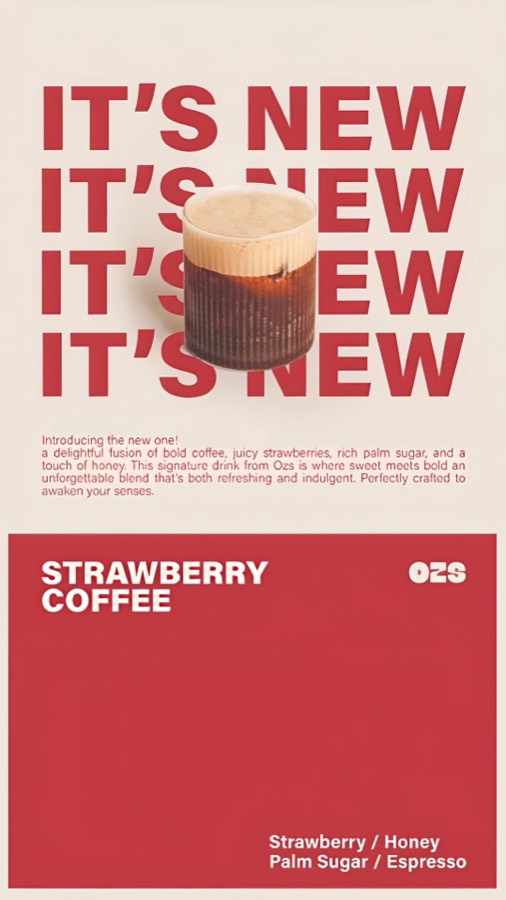
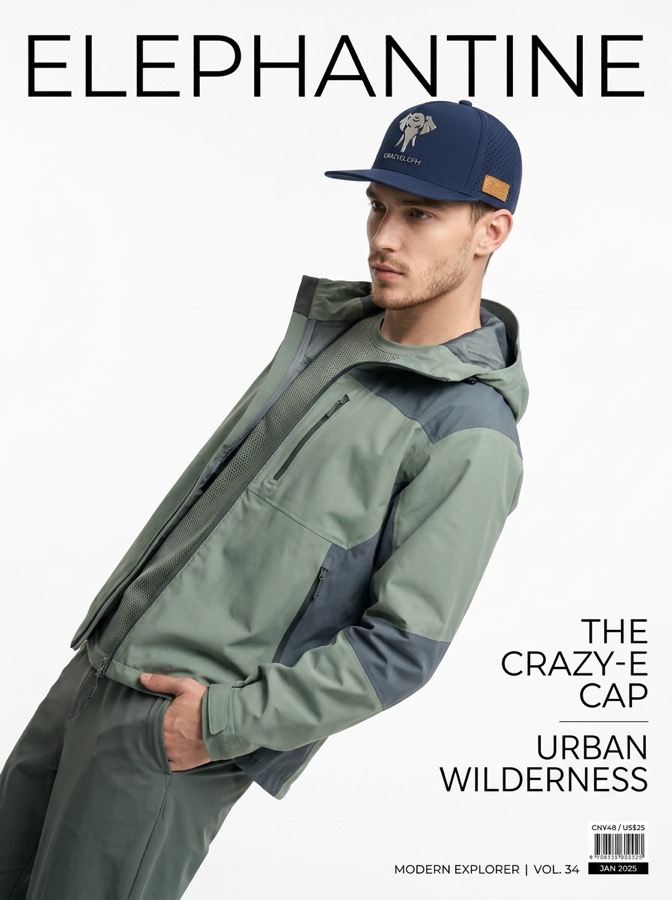
A reference · from your saves
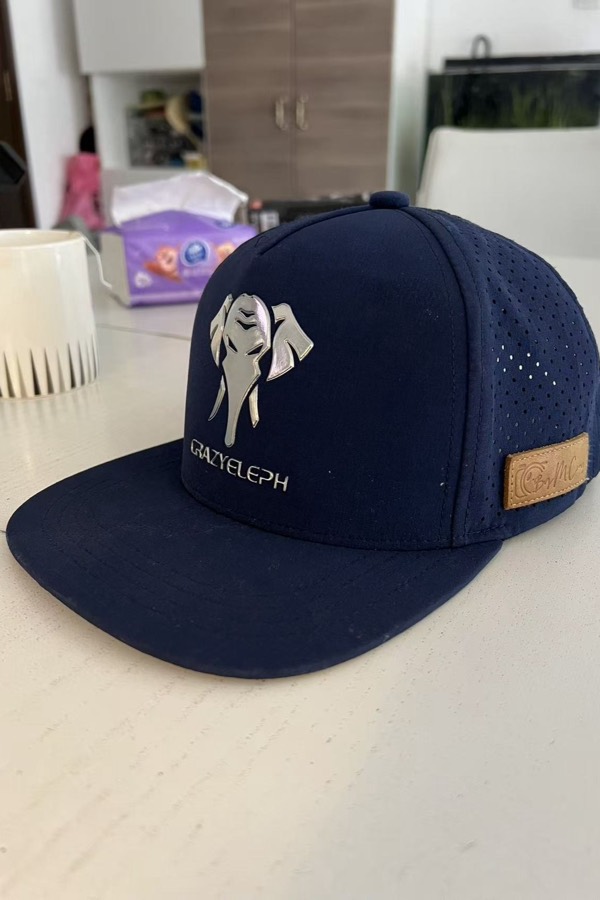
Your product · a phone photo
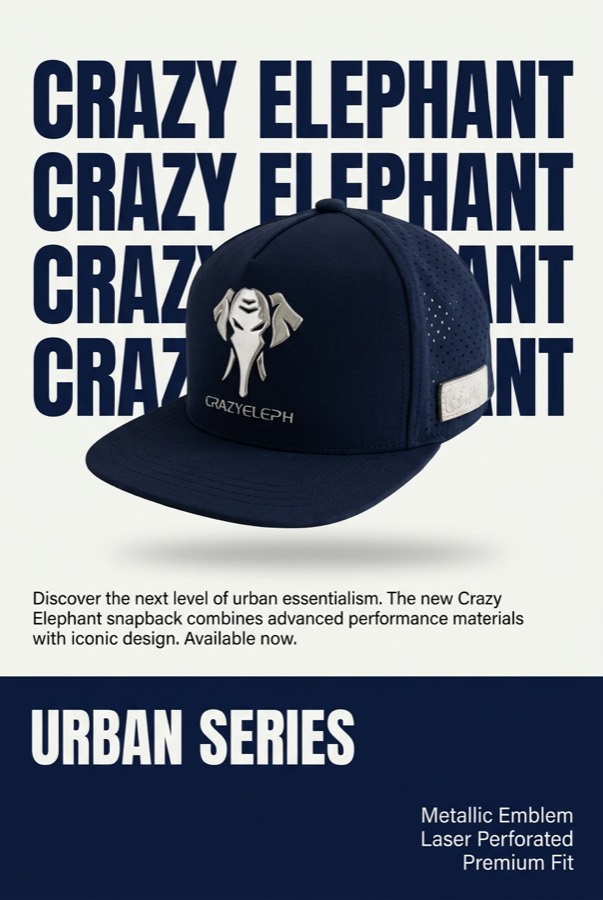
Yours · ready to post
How it works
From an ad you saved to one that’s yours, in three steps.
Upload an ad you saved on Pinterest
Or a screenshot off your feed, or a competitor’s ad. Anything with a look worth borrowing — it comes out of a folder you’ve been filling for months.
Snap your product
A phone photo is enough. No studio, no model, no setup — take it on the desk in front of you.
Generate
You get the plan — text you can edit, not a prompt you had to invent — and the first image built from it.
Who this is for
People who need another one tomorrow.
Performance marketers
You saw a competitor’s ad working and want the same idea on your own product this week.
Small brand owners
Lipstick, candles, mugs, a boot. A feed to fill, and no budget to shoot every week.
Social media managers
Something to post tomorrow, and the day after, and the day after that.
Freelancers and small agencies
More clients than shoot days. The reference boards are already on your desktop.
Not for you if you want video, or a finished campaign handed to you. This makes static images for ads and social, one at a time, with you deciding each one.
Adjusting
What if the image isn’t what you wanted?
The whole mood is off
The composition is stiff. It doesn’t have the film feel you wanted. Edit the text plan inside the block, hit Generate, and you get a fresh result.
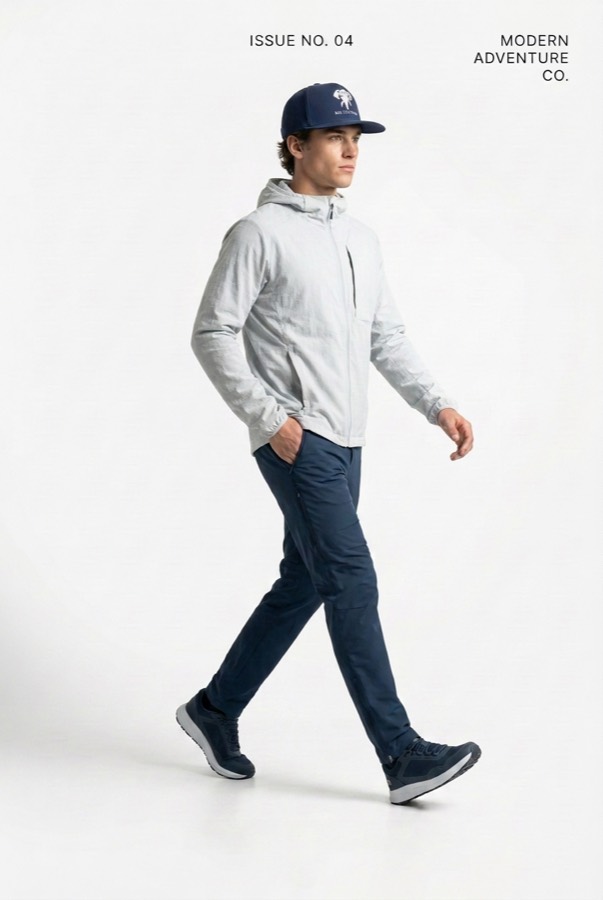
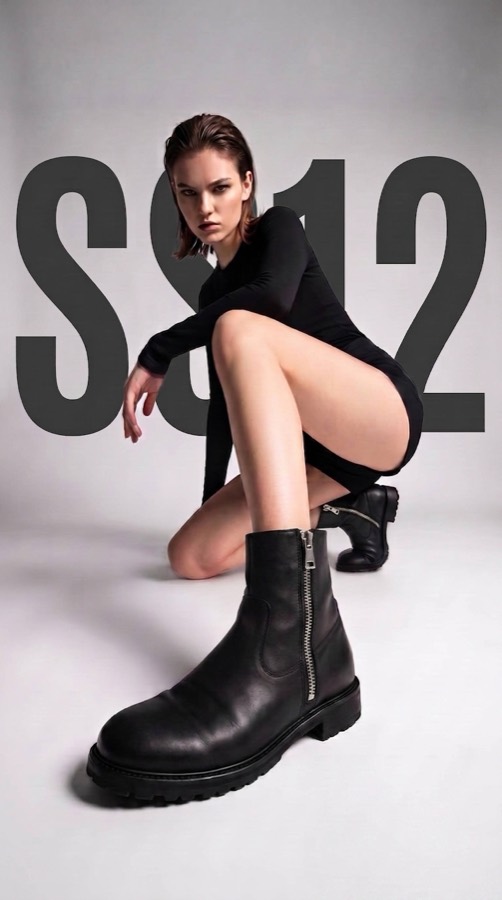
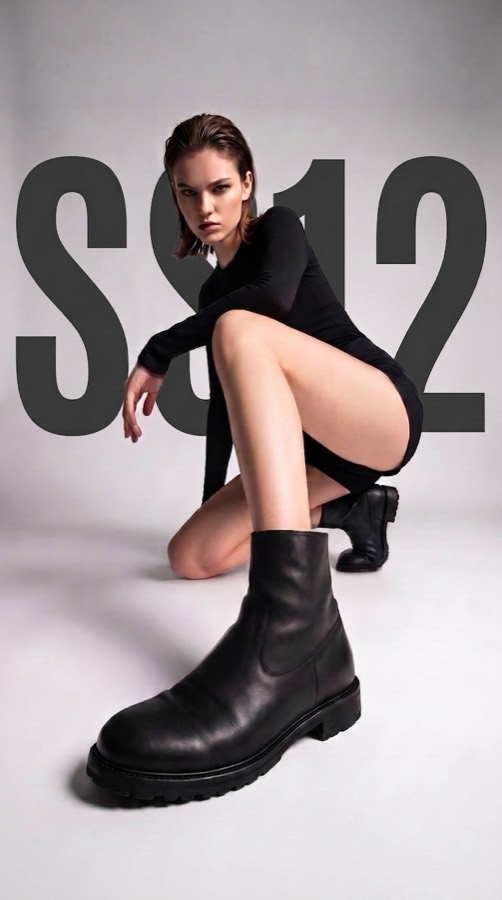
The picture is right, one thing isn’t
The boot picked up a zipper down its side. Click the image, type what should change in the Modify box, and hit Modify.
Pricing
Two plans. You always know what a click costs.
- 2K and 4K unlocked
- Unused points don’t roll over
- Everything in Starter
- For weekly batches and several brands
Run out before the month is up? Subscribers can add a pack of 100 pt for $20 — that’s 100 more images at 1K, and unlike the monthly allowance those points never expire.
Questions
The ones worth answering.
Why was Swipe60 made?
Cayman — product manager, developer, interaction designer — runs several sports apps on the App Store and an AI hardware project. Every one of them needs ads and social posts, and every one of them ate half a day for something that’d be gone by next week. Swipe60 started as the fix for that, for him. It’s still built the way you build something you have to use yourself.
Why Swipe60 and not one of the bigger AI ad tools?
Three things have to be true at once, and most tools manage two. It has to be simple enough to use without learning it. Your product has to come out looking like the thing you actually sell. And the creative idea has to genuinely transfer, not just supply a background. Swipe60 does all three; that’s the whole reason it exists.
Is it OK to use someone else’s ad as a reference?
What transfers is composition, lighting and framing; what you publish is your own product, in your own image. Working from a swipe file is how this industry has always worked. What you shouldn’t do is reuse someone’s photo, logo or wording — and nothing here does that for you.
Do I need a good photo of my product?
No. A phone photo on a plain surface in normal light is enough — that’s where the shape and finish come from. Studio shots work too, but not having any isn’t a reason to wait.
What if the first image isn’t right?
That’s expected — it’s why the first one costs 1 pt and always comes out at 1K. Rewrite a line of the plan and generate again, or open the image and use Modify for one specific fix. It all lands in the same block, so you’re comparing, not starting over. Export at 2K or 4K once you have the one you want.
Does it make video?
No, and that’s deliberate. Almost every funded tool in this space left for video, which leaves static creative — still most of what runs on Meta, Pinterest and Instagram — as the half nobody serves well. This does static, properly.
What happens to my points if I cancel?
Your monthly allowance stops at the end of the period you already paid for, and unused monthly points don’t roll over — that’s what makes it an allowance, not a currency. Points you bought in a top-up pack are different: they’re yours, and they never expire.
You already have the reference. Why not try it?
Two free every day. No card.
Continue with Google — try it free